How to Add an AI Chatbot to Your Website Without API Keys
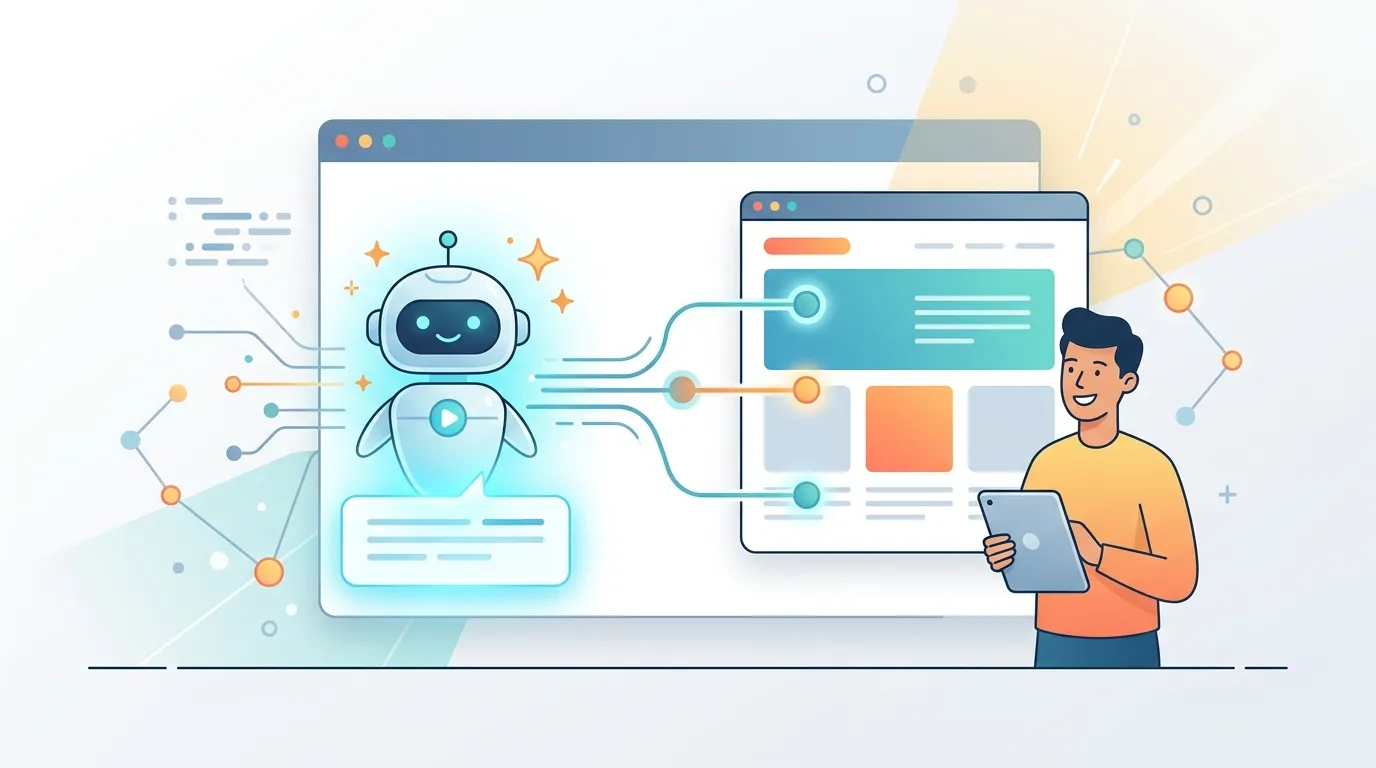
You've found the perfect LLM, watched the demo, and opened the docs — then hit the wall: API keys, environment variables, rate-limit headers, token budgets, and a billing account you have to wire up before writing a single line of product logic. This article shows you how to add an AI chatbot to your website and skip that entire infrastructure detour.
Adding an AI chatbot to your website means connecting a language model to a chat UI, handling authentication, managing request quotas, and deploying the result somewhere users can reach it. A built-in AI Gateway collapses all four steps into one: you describe the chatbot's behavior in plain language, the platform generates and deploys the code, and API credentials are managed server-side so they never appear in your frontend.
Why Most AI Chatbot Tutorials Break Down at the API Key Step
The standard tutorial flow looks like this: get an API key from OpenAI or Anthropic, paste it into a .env file, add it to your hosting provider's environment variable dashboard, make sure it never leaks into your git history, rotate it every 90 days, and add retry logic for 429 rate-limit responses. That's five distinct infrastructure tasks before you've designed a single conversation flow.
For developers shipping a side project or a client site on a deadline, this is where momentum dies. For non-developers, it's a full stop.
The API key problem isn't a skill gap — it's an architecture gap. Platforms that handle credentials at the infrastructure layer let you focus entirely on chatbot behavior, not plumbing.
The fix is to work with a platform whose AI Gateway sits between your app code and the upstream model providers. Your app calls an internal endpoint; the platform handles authentication, model selection, and quota enforcement on your behalf.
How a Built-In AI Gateway Handles Model Routing, Rate Limits, and Credits
A purpose-built AI Gateway does three things your app code shouldn't have to:
- Authentication abstraction — Your generated app never holds a raw provider API key. The gateway injects credentials at the infrastructure layer, keeping them out of build logs and source code entirely.
- Model routing — You specify a model preference (or let the platform pick based on latency and cost), and the gateway routes the request. If you want to switch from GPT-4o to Claude 3.5 Sonnet, you change one setting, not multiple files.
- Rate limiting and credit management — The gateway enforces per-project quotas so a single runaway chatbot session can't exhaust your account. Token budgets and request caps are configured in the platform UI, not in application code.
This architecture matters especially if you're embedding a chatbot on a public-facing page where traffic is unpredictable. Without a gateway, a spike in visitors translates directly into a spike in upstream API costs. With one, you set a ceiling and the platform enforces it.
Choosing the Right LLM for Your Chatbot Use Case
Not every chatbot needs the most powerful — or most expensive — model. Match the model to the job:
| Use Case | Recommended Model Tier | Why |
|---|---|---|
| FAQ / knowledge base | Smaller, faster (e.g. GPT-4o mini) | Low latency, predictable cost, factual retrieval |
| Customer support triage | Mid-tier (e.g. Claude 3 Haiku) | Nuanced tone, good at multi-turn conversation |
| Lead capture / qualification | Mid-tier | Needs to ask follow-up questions naturally |
| Code help / technical assistant | Larger model (e.g. GPT-4o, Claude 3.5 Sonnet) | Reasoning quality matters more than speed |
For most small business websites, a mid-tier model hits the right balance of quality and cost. The OpenAI model overview and Anthropic's model comparison both publish up-to-date latency and pricing benchmarks you can use to make this call.
How Do I Integrate an AI Chatbot Into My Website?
The traditional integration path involves: choosing a provider, creating an account and API key, writing a backend proxy endpoint (so you don't expose the key client-side), building or importing a chat UI component, wiring up streaming responses, and deploying the full stack. That's a realistic half-day of work for an experienced developer.
The AI-generated approach compresses this:
- Describe your chatbot in plain language. Example: "A customer support chatbot for a SaaS product. It answers questions about pricing, onboarding steps, and cancellation policy. It should be friendly but concise. Escalate to a human if the user seems frustrated."
- The platform generates the full Next.js + TypeScript app — including the chat UI, the server-side API route that calls the AI Gateway, and the system prompt derived from your description.
- The app is deployed automatically. No manual deploy step, no build pipeline to configure. A live URL is ready within minutes.
You're not generating a static widget — you're generating a full server-rendered application with streaming responses and proper error boundaries, all from a plain-English description.
Do I Need Coding Skills to Add a Chatbot to My Website?
No — not to get a chatbot live. Describing the chatbot's purpose, tone, and knowledge scope in natural language is sufficient to generate a working implementation on platforms that pair an LLM code generator with automatic deployment.
That said, coding skills unlock customization: adjusting the system prompt, styling the chat widget to match your brand, or adding logic that routes certain queries to specific response templates. Think of the generated code as a strong starting point rather than a black box — you can iterate on it with additional plain-language instructions.
What Are the Benefits of Adding an AI Chatbot to a Website?
- 24/7 availability — Answers visitor questions at 2 a.m. without staffing costs.
- Lead qualification — Captures name, email, and intent before a human ever joins the conversation.
- Reduced support volume — A well-tuned FAQ bot can deflect 30–50% of repetitive support tickets, based on published benchmarks from companies like Intercom and Zendesk.
- Higher engagement — Chatbots keep users on-page longer by surfacing relevant content interactively.
- Scalability — Handles hundreds of simultaneous conversations with no incremental cost per seat.
Can I Add a Chatbot to My Website for Free, and What Does It Cost?
Many platforms offer a free tier, but the real cost question is about the underlying LLM calls. Providers charge per token (roughly per word), so a chatbot handling 1,000 conversations per month at ~500 tokens each costs approximately $0.50–$5 depending on the model — well within reach for a small business.
Platforms with a built-in AI Gateway often include a credit allocation in their free tier, letting you run a low-traffic chatbot at zero marginal cost until you exceed the quota. Beyond that, costs scale with usage rather than with a fixed per-seat license.
Gating Premium Chat Responses Behind a Checkout Flow
Once your chatbot is live, a natural monetization layer is tiered access. Free users get a limited number of questions per day or access to a lighter model; paying users unlock the full model, longer context windows, or specialized knowledge bases.
This pattern works because the AI Gateway already tracks token consumption per project. Adding a checkout flow that writes a user's subscription status to your app's data layer — and checking that status before routing to the premium model endpoint — is a few additional prompt instructions away from the same generated-app workflow.
Common configurations:
- Freemium FAQ bot — 10 free questions/day, then prompt to upgrade.
- Paid research assistant — Gated entirely behind a one-time payment or monthly subscription.
- Consultation pre-qualifier — Free for basic triage, paid to unlock detailed recommendations.
What Is the Best AI Chatbot for a Small Business Website?
The honest answer is that the "best" chatbot is the one your team can actually maintain. A polished third-party widget with no customization beats a half-finished custom build every time. If you want a fully branded experience that matches your product's design system, generating the chatbot as part of your app — rather than embedding an iframe from a third-party service — gives you complete control over UI, conversation flow, and data handling.
Wrapping Up
The hardest part of adding an AI chatbot to your website has never been the conversation design — it's the infrastructure scaffolding that most tutorials gloss over. When API key management, model routing, rate limiting, and deployment are handled at the platform level, you get to spend your time on the part that actually matters: what the chatbot says and how it helps your visitors. FloopFloop takes this approach, letting you describe your chatbot in plain language and generating a fully deployed, API-key-free implementation automatically.
Frequently asked questions
How do I integrate an AI chatbot into my website?
The fastest path is to use a platform that generates a full chatbot application from a plain-language description and deploys it automatically. You describe the chatbot's purpose, tone, and knowledge scope; the platform produces server-side API routes, a chat UI, and a live URL — no manual infrastructure setup required.
What is the best AI chatbot for a small business website?
For most small businesses, a mid-tier model like GPT-4o mini or Claude 3 Haiku offers the best balance of response quality and cost. The best chatbot overall is one your team can actually maintain and customize — a generated, fully branded implementation typically outperforms an unconfigured third-party widget over time.
Can I add a chatbot to my website for free?
Yes. Several platforms offer free tiers that include a credit allocation for LLM calls. A low-traffic chatbot handling a few hundred conversations per month can run at zero cost within those limits. Costs scale with usage only when you exceed the free quota.
How much does it cost to add a chatbot to a website?
LLM costs for a typical small business chatbot run roughly $0.50–$5 per 1,000 conversations, depending on the model and average message length. Platform fees vary; many charge a monthly subscription that covers hosting, deployment, and an API credit bundle rather than billing you separately for each component.
Do I need coding skills to add a chatbot to my website?
No. AI-powered app builders let you describe chatbot behavior in plain English and generate working code automatically. Coding skills are useful for deeper customization — adjusting prompts, styling, or adding conditional logic — but are not required to get a functional chatbot live.
Subscribe to the FloopFloop newsletter
New posts, product updates, and the occasional lesson — straight to your inbox.
We'll never share your email. Unsubscribe anytime.
Related articles
How to Add an AI Chatbot to Your Website Without API Keys
Learn how to add an AI chatbot to your website in minutes using FloopFloop's built-in AI Gateway — no API keys, no backend code, and no infrastructure to manage.
Create Custom AI Assistants with FloopFloop: Step-by-Step Guide
Learn how to build and deploy your own AI assistants in minutes using FloopFloop's AI-powered web app builder, from concept to live agent.
Build a SaaS Landing Page with Checkout Using AI Prompts
Learn how to build a SaaS landing page with checkout flow using plain-language AI prompts — no coding required, from hero section to first paid signup.