How to Add an AI Chatbot to Your Website Without API Keys

Adding a chatbot to a website used to mean wrangling OpenAI API keys, writing serverless functions, worrying about rate limits, and hoping your credentials never ended up in a GitHub commit. FloopFloop's built-in AI Gateway eliminates every one of those friction points. This article shows you exactly how to add an AI chatbot to your website — from a plain-language description to a live, deployed conversational UI — without touching a single API key or line of backend code.
Adding an AI chatbot to a website means embedding a conversational interface that can answer questions, qualify leads, or recommend products in real time. With FloopFloop's AI Gateway, you describe the chatbot's behavior in natural language, and the platform generates the UI, wires up LLM calls, manages model routing, and handles credentials automatically — no backend code required.
Why Adding an AI Chatbot to Your Website Drives Real Engagement
Website visitors who get an instant answer stay longer and convert better. Research from Drift's conversational marketing reports consistently shows that response time is the single biggest factor in lead conversion — and a chatbot responds in milliseconds, 24 hours a day.
Beyond speed, a well-designed chatbot reduces support ticket volume, surfaces the right product at the right moment, and collects structured data (name, intent, pain point) that a static contact form never could. For SaaS products, a support bot that can answer tier-1 questions deflects 30–40% of incoming support volume, freeing your team for higher-complexity work.
A chatbot is not a gimmick — it's the difference between a visitor who bounces after 20 seconds and a lead who books a demo.
The catch has always been implementation complexity. Until recently, "adding a chatbot" meant choosing a third-party widget (with its own branding and pricing ceiling), or building a custom integration that required managing LLM provider credentials, proxying API calls through a backend, and hardcoding model names. FloopFloop's AI Gateway changes that calculus entirely.
What Is FloopFloop's Built-In AI Gateway?
The AI Gateway is a managed layer inside FloopFloop that acts as a secure broker between your generated web app and large language model providers. When your app needs to call an LLM — to generate a chat response, summarize a document, or classify an incoming message — it calls the Gateway, not the provider directly.
The Gateway handles three things automatically:
- Model routing — directs each request to the appropriate LLM based on the task and configured preferences.
- Rate limiting — enforces per-project limits so a spike in traffic doesn't result in runaway API costs.
- Credits and billing — tracks LLM usage against your FloopFloop plan, so there's one bill instead of a separate invoice from every model provider.
Critically, your app's generated code never contains a raw API key. Credentials are stored encrypted at rest using AWS KMS and injected at runtime by the platform. They do not appear in build logs, environment variable dumps, or anywhere a curious developer (or attacker) might find them.
How Do I Add an AI Chatbot to My Website for Free?
FloopFloop offers a free subdomain (your-project.floop.tech) and includes AI Gateway credits on its free tier. To add a chatbot at zero cost:
- Create a project — describe your web app or start from a template.
- Describe the chatbot — type something like: "Add a floating chatbot widget in the bottom-right corner. It should greet visitors, answer questions about our product using a system prompt I'll define, and collect the user's email if they ask to be contacted."
- Review the generated UI — FloopFloop streams live progress as it generates the Next.js + TypeScript component and wires up the AI Gateway calls.
- Set your system prompt — store it as a project secret via the platform's secrets UI. It's encrypted and injected at runtime.
- Your app is live — deployment is automatic. No button to click, no pipeline to configure.
The entire process takes under 10 minutes for a basic widget.
Step-by-Step: Describing Your Chatbot in Natural Language
FloopFloop's code generation pipeline accepts plain-language feature descriptions. Here's a practical pattern for chatbot prompts that produce clean, functional results:
Be specific about the UI placement and trigger
- "A sticky widget in the bottom-right corner that opens on click"
- "An inline chat window embedded below the hero section"
- "A full-page assistant that loads when the user navigates to /support"
Define the chatbot's persona and scope
Write a concise description of what the bot should and shouldn't answer. Example: "You are a support assistant for [Product]. Answer questions about pricing, onboarding, and integrations. For anything else, ask the user to email support@example.com." Store this as a secret — not as hardcoded text in the prompt.
Specify the interaction pattern
- "Stream responses token by token so the user sees text appearing in real time"
- "Show a typing indicator while the response loads"
- "Allow the user to copy any response to their clipboard"
FloopFloop generates all of this as a cohesive Next.js component with proper TypeScript types and Gateway API calls already integrated.
The most effective chatbot prompts describe behavior, not implementation. Let FloopFloop decide how to structure the code; you decide what the bot does.
How Secrets and API Credentials Stay Secure
One of the most common chatbot security mistakes is embedding an LLM API key directly in frontend code — where any visitor can extract it from the network tab in DevTools. FloopFloop's architecture prevents this structurally.
You store project-specific values (system prompts, third-party API keys your chatbot might call, feature flags) through the platform's secrets UI. The platform encrypts them at rest with AWS KMS. At runtime, they are injected into the Lambda SSR layer that backs your app — the frontend component never receives the raw value.
Because the AI Gateway intermediates all LLM calls, your app code calls an internal Gateway endpoint, not api.openai.com directly. There is no key to leak.
Choosing the Right LLM for Your Chatbot Use Case
Not every chatbot needs the most powerful (and most expensive) model. The AI Gateway's model routing lets you target the right capability level for your task:
| Use Case | Recommended Model Tier | Why |
|---|---|---|
| Customer support FAQ | Fast, smaller model | Low latency, deterministic answers from a tight system prompt |
| Lead qualification | Mid-tier reasoning model | Needs to ask follow-up questions and handle ambiguity |
| Product recommendation | Mid-tier + retrieval | Requires understanding catalog context |
| Complex technical support | Large reasoning model | Multi-step problem solving, code explanation |
The Gateway handles routing logic; you describe the intent in your feature prompt and FloopFloop maps it to the appropriate configuration.
What Are the Benefits of Adding an AI Chatbot to a Website?
The measurable benefits break down into three categories:
Engagement: Visitors who interact with a chatbot view 2–3× more pages per session on average. A conversational interface creates an active session rather than a passive browse.
Conversion: A lead-qualification chatbot that asks three targeted questions before routing to a sales calendar can increase demo bookings by 20–35% compared to a static "Book a Call" CTA, because it filters intent before the handoff.
Operational efficiency: A support chatbot handling tier-1 questions ("How do I reset my password?", "What's included in the Pro plan?") reduces the volume of identical tickets your team answers manually — often by 30% or more within the first month.
Real-World Examples Built on FloopFloop
SaaS Support Bot
A SaaS founder describes: "Add a support chatbot that answers questions about my app using the content from my docs page at [URL]. If it can't answer, show a link to open a support ticket." FloopFloop generates the chat widget, the Gateway calls, and the document-grounding logic as a cohesive app feature.
Product Recommendation Assistant
An e-commerce builder describes: "Add a product recommendation chat assistant. It should ask 2–3 questions about the user's needs, then suggest the best product from my catalog with a link to the product page." The generated component handles the multi-turn conversation and renders product cards inline.
Lead-Capture Widget
A consultant describes: "Add a chatbot that introduces my services, asks the visitor what kind of project they need help with, collects their name and email, and tells them I'll be in touch within 24 hours." The widget captures structured lead data and surfaces it in the app's data layer — managed by the platform.
Wrapping Up
Adding an AI chatbot to your website no longer requires a backend engineer, a pile of API keys, or a third-party widget that caps your customization. FloopFloop's AI Gateway handles model routing, rate limits, credential encryption, and deployment automatically. You describe the behavior you want; the platform builds it. If you want to go from idea to live AI chatbot in a single afternoon, FloopFloop is the fastest path there.
Frequently asked questions
How do I add an AI chatbot to my website for free?
You can add an AI chatbot to your website for free using FloopFloop's free tier, which includes a hosted subdomain and AI Gateway credits. Describe the chatbot behavior in plain language, and the platform generates and deploys the chat widget automatically — no API keys or backend code required. Other free options include Tidio's free plan and HubSpot's free chatbot builder, though these offer less customization than a generated, code-level implementation.
What is the best AI chatbot for a small business website?
The best AI chatbot for a small business depends on your use case. For a fully custom, branded chatbot with no third-party widget fees, a generated solution via an AI app builder like FloopFloop gives you the most control. For plug-and-play options, Tidio, Intercom's Fin, and Drift are popular choices that offer pre-built integrations. Small businesses handling support FAQ, lead qualification, or appointment booking will each benefit from different feature sets, so match the tool to the primary job the bot needs to do.
How do I embed a chatbot into my website without coding?
To embed a chatbot without writing code, describe the chatbot's behavior and placement in plain language to an AI web app builder like FloopFloop, which generates the UI and backend logic for you. Alternatively, third-party chatbot platforms like Tidio or Intercom provide JavaScript snippet embeds you can paste into any HTML page. The key difference is that a generated chatbot is fully integrated into your app's codebase, while a snippet-based chatbot is a sandboxed third-party widget with its own branding and pricing structure.
What are the benefits of adding an AI chatbot to a website?
The main benefits are faster response times (milliseconds versus hours for email support), higher engagement (visitors who interact with a chatbot view significantly more pages per session), improved lead conversion (a qualifying chatbot filters intent before routing to sales), and reduced support workload (tier-1 questions handled automatically). A well-scoped chatbot with a clear system prompt and defined fallback behavior typically deflects 30 to 40 percent of repetitive support tickets within the first month of operation.
How much does it cost to add a chatbot to a website?
Costs vary widely. Third-party SaaS chatbot tools like Intercom, Drift, or Zendesk range from roughly $30 to $500 per month depending on seat count and features. Building a custom chatbot with direct LLM API access means paying per token — GPT-4o costs approximately $5 per million input tokens as of 2024. Platforms like FloopFloop include AI Gateway credits in their plans, so LLM usage is billed as part of a single subscription rather than a separate provider invoice, which simplifies cost forecasting for small teams.
Which AI chatbot platforms integrate easily with WordPress?
For WordPress specifically, Tidio, WP-Chatbot (by MobileMonkey), and HubSpot's chatbot all offer native WordPress plugins that install in minutes. Intercom and Drift can be added via their JavaScript snippet using a plugin like Insert Headers and Footers. For a fully custom AI chatbot on WordPress, you would typically add a third-party LLM-powered widget or build a headless front-end separately. FloopFloop generates standalone Next.js web apps rather than WordPress plugins, so it is better suited for new web apps than for adding functionality to an existing WordPress site.
Subscribe to the FloopFloop newsletter
New posts, product updates, and the occasional lesson — straight to your inbox.
We'll never share your email. Unsubscribe anytime.
Related articles

How to Add an AI Chatbot to Your Web App Without Managing API Keys
Learn how to add an AI chatbot to your web app in minutes — covering model routing, rate limits, and API key security — without writing a single line of backend boilerplate.
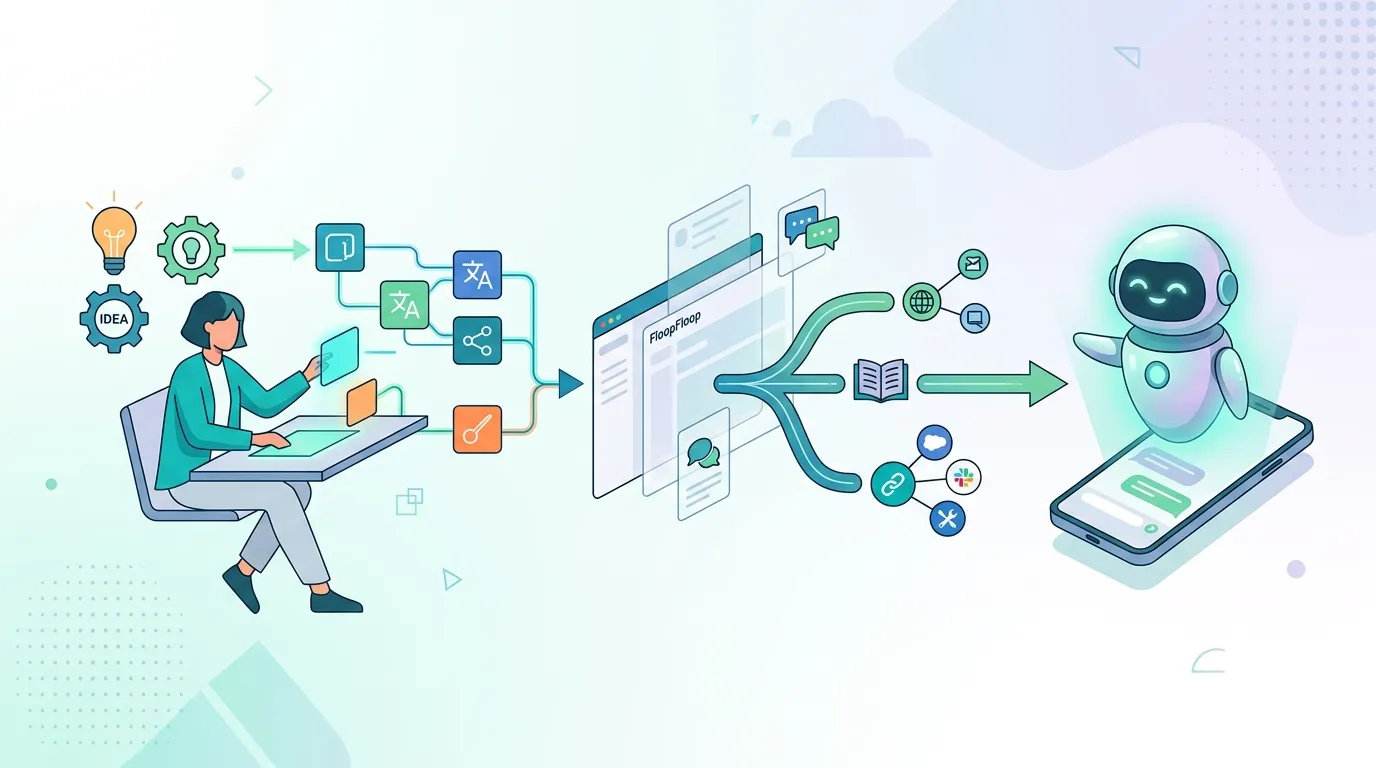
Create Custom AI Assistants with FloopFloop: Step-by-Step Guide
Learn how to build and deploy your own AI assistants in minutes using FloopFloop's AI-powered web app builder, from concept to live agent.
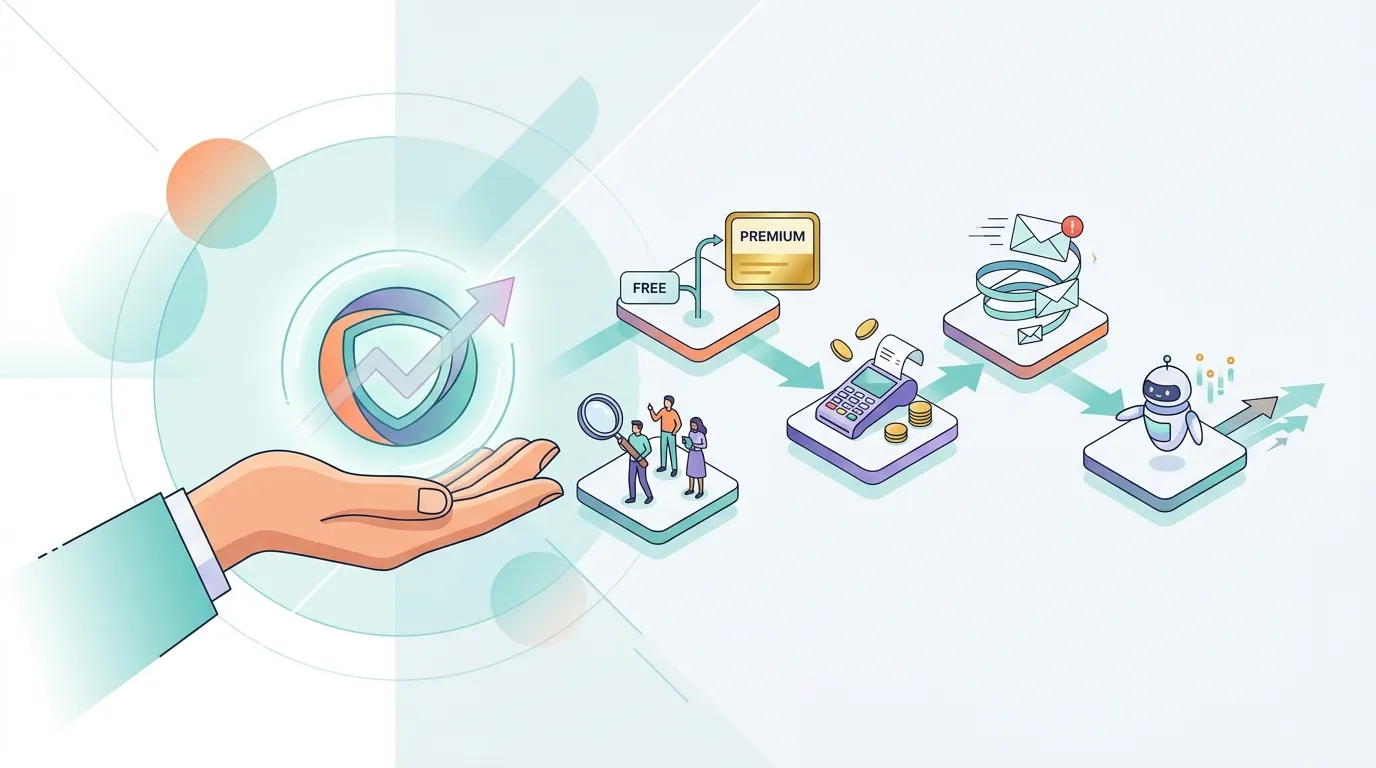
How to Monetize a Web App You Built Without Code
Learn how to monetize a web app from first visitor to paying customer — covering pricing models, checkout flows, email conversion, and AI-powered upsells for no-code founders.