How to Add an AI Chatbot to Your Web App Without Managing API Keys

Adding an AI chatbot to your web app is one of the highest-leverage features you can ship right now — users stay longer, get answers faster, and bounce less. But the engineering path between "I want a chatbot" and "the chatbot is live" is littered with API keys, model versioning headaches, rate-limit errors, and surprise billing. This article maps that path clearly and shows you how to skip most of the hard parts.
What Does It Actually Mean to Add an AI Chatbot to a Web App?
To add an AI chatbot to a web app means embedding a conversational interface — typically a floating widget or a dedicated chat panel — backed by a large language model (LLM) that processes user messages and returns contextually relevant replies. The integration involves a frontend UI component, a backend route that proxies requests to the LLM provider, authentication for the API key, and logic to handle conversation history. Done from scratch, that's several days of work before you write a single line of business logic.
The fastest way to ship an AI chatbot is to offload the infrastructure layer entirely — model routing, key injection, and rate limiting — so you can focus on what the bot should actually do.
Why an LLM Chatbot Dramatically Boosts Engagement and Retention
Static FAQ pages answer the questions you predicted. A chatbot answers the ones you didn't. Research from Tidio's 2024 customer service report puts average chatbot deflection of support tickets at around 30%, and users who engage with a chatbot spend measurably more time on-site than those who don't.
The retention case is equally strong for SaaS apps: an onboarding assistant that answers "How do I do X?" in context — right inside your UI — reduces time-to-value, lowers churn in the first 30 days, and shrinks your support queue simultaneously.
The Usual Pain Points: API Keys, Model Routing, and Runaway Costs
Before you get to the good part, here's what building a chatbot integration typically involves when you go directly to a model provider:
- API key exposure risk. Your key must never appear in client-side code. That means a backend proxy route — even for a simple Next.js app.
- Model selection and routing. GPT-4o for nuanced reasoning? Claude 3 Haiku for speed and cost? Switching models mid-project means refactoring your integration layer.
- Rate limit handling. LLM providers impose per-minute and per-day token limits. Without retry logic and back-off, your chatbot silently fails under load.
- Cost unpredictability. A single prompt-stuffed conversation can consume thousands of tokens. Without per-user or per-session caps, costs spiral fast.
- Conversation memory. Stateless API calls don't remember previous turns. You need to manage a sliding context window manually.
Each of these is a solvable engineering problem — but together they can consume a week of a senior developer's time before the first "Hello, how can I help you?" is rendered.
How FloopFloop's Built-In AI Gateway Solves All of This
FloopFloop ships with a built-in AI Gateway that sits between your generated app and the underlying model providers. Here's what that buys you:
- No exposed API keys. You never touch a provider API key. The Gateway injects credentials server-side at runtime; they are never present in your generated code or build logs.
- Model routing. The Gateway handles routing across supported LLMs. You describe the behavior you want; the platform selects and calls the appropriate model.
- Rate limits and credits. Per-project credit allocations and rate limits are enforced at the Gateway level, so runaway token usage doesn't become a runaway bill.
- Streaming responses. The Gateway supports streaming, so your chatbot feels snappy — characters appear as the model generates them, not in a single delayed block.
Because deployment is automatic and continuous, every iteration you make to the chatbot's behavior is live the moment you finish describing it — no manual deploy step required.
Step-by-Step: How Do I Integrate an AI Chatbot Into My Existing Website?
This is the most common People-Also-Ask question on this topic, and the answer with FloopFloop is deliberately short:
- Open your project (or start a new one) on FloopFloop.
- Describe the chatbot feature in plain language. For example: "Add a floating customer support chatbot in the bottom-right corner. It should greet users by name if they're logged in, answer questions about our product using the context I'll provide, and escalate to a human agent link if it can't help."
- Watch the generation stream. FloopFloop's codegen pipeline generates the React component, the API route, and the AI Gateway integration in real time — progress messages stream to you as it builds.
- Refine conversational behavior. Add follow-up instructions: "Make the tone friendly but concise. If the user asks anything outside the product domain, politely redirect them."
- Your chatbot is live at your project's
.floop.techsubdomain — or on your custom domain if you've connected one.
No backend server to provision. No API key to rotate. No deployment pipeline to configure.
What Is the Best AI Chatbot API for Web Applications?
There's no single "best" API — the right choice depends on your latency, cost, and capability requirements:
| Provider | Best For | Relative Cost | Latency |
|---|---|---|---|
| OpenAI GPT-4o | Complex reasoning, long context | High | Medium |
| OpenAI GPT-4o mini | General-purpose, cost-conscious | Low | Fast |
| Anthropic Claude 3.5 Sonnet | Nuanced, instruction-following | Medium-High | Medium |
| Anthropic Claude 3 Haiku | High-volume, speed-critical | Very Low | Very Fast |
| Google Gemini 1.5 Flash | Multimodal, large context windows | Low | Fast |
When you use a platform-level AI Gateway (like FloopFloop's), you get the benefit of model routing without being locked into a single provider's SDK or pricing model.
Practical Use Cases: What Can You Actually Build?
Customer Support Bot
Answer Tier-1 questions automatically — order status, return policies, feature explanations — and surface a human escalation path only when needed. Deflecting even 25% of tickets pays for the feature immediately.
Onboarding Assistant
Guide new users through your app's core workflows contextually. An onboarding bot that knows which page the user is on can give pinpoint-relevant advice — far more effective than a static walkthrough.
FAQ Responder
Embed a knowledge base (product docs, help articles) into the chatbot's context so it cites specific answers rather than hallucinating. Pair this with a small retrieval step for best results.
AI-Powered Site Search
Replace keyword search with semantic search. Users type questions in natural language; the chatbot returns the single most relevant result with a brief explanation rather than a list of ten links.
Can I Build an AI Chatbot Without Coding Experience?
Yes — and this is where natural-language app builders change the equation entirely. Traditional integration requires you to understand async JavaScript, HTTP proxying, environment variable security, and streaming APIs. With an AI-powered builder, you describe outcomes rather than implementations. The platform translates your intent into working code. Non-technical founders and product managers can prototype and iterate on chatbot behavior without waiting for an engineering sprint.
Tips for Writing Effective Prompts to Shape Your Chatbot
The system prompt is the single most important lever you control. Here's what to include:
- Role definition: "You are a friendly support agent for [Product], specializing in billing and account questions."
- Scope constraints: "Do not answer questions unrelated to [Product]. If asked, politely say you can only help with product-related topics."
- Tone and length: "Keep responses under 3 sentences unless the user explicitly asks for more detail."
- Fallback behavior: "If you don't know the answer, say so clearly and offer to connect the user with a human agent."
- Context injection: Pass the current page URL or the user's account tier as part of the prompt so the bot can tailor its responses dynamically.
A well-written system prompt eliminates 80% of the "bad bot behavior" complaints before they happen. It's cheaper and faster than fine-tuning.
How Much Does It Cost to Add an AI Chatbot to a Website?
Costs fall into two buckets: platform costs and inference costs. If you build directly against a provider API, inference is billed per token — a busy chatbot handling 10,000 messages a day at 500 tokens each runs roughly 5 million tokens daily, which at GPT-4o mini pricing ($0.15/1M input tokens) is under $1/day for inputs alone, scaling up significantly for larger models or longer contexts. Platform costs vary; a managed solution bundles infrastructure, proxying, and key management into a subscription, trading variable per-token billing for predictable monthly spend. For most early-stage apps, the managed route is cheaper once you factor in engineering time.
Wrapping Up
Adding an AI chatbot to your web app is no longer a multi-week engineering project. The core challenge was never the UI — it was the secure, reliable infrastructure underneath it. Tools that abstract away API key management, model routing, and rate limiting let you focus on what actually matters: what the chatbot says and how it helps your users. FloopFloop bundles that infrastructure into its built-in AI Gateway, so you can describe the chatbot you want and have it running in minutes, not sprints.
Frequently asked questions
How do I integrate an AI chatbot into my existing website?
You need a frontend chat UI, a backend proxy route to call the LLM provider securely, and logic to manage conversation history. With an AI-powered builder like FloopFloop, you describe the chatbot behavior in plain language and the platform generates the UI, API route, and model integration automatically — no manual backend setup required.
What is the best AI chatbot API for web applications?
It depends on your needs. OpenAI GPT-4o mini offers the best cost-to-performance ratio for general use. Claude 3 Haiku excels at speed-critical, high-volume scenarios. GPT-4o and Claude 3.5 Sonnet handle complex, nuanced reasoning better. Using a platform-level AI Gateway lets you route to the right model without rewriting your integration each time you switch.
How do I add a ChatGPT-powered chatbot to my web app?
You call OpenAI's Chat Completions API from a server-side route (never from the client, to protect your API key), pass a system prompt and conversation history as an array of messages, and stream or return the response to your UI. If you use FloopFloop, its built-in AI Gateway handles key injection and the API call server-side — you just describe the behavior you want.
What are the steps to embed a chatbot widget on a webpage?
1) Build or generate a chat UI component (floating button + message panel). 2) Wire it to a backend endpoint that calls your LLM provider. 3) Manage conversation state (message history) in the component. 4) Handle streaming responses for a snappy feel. 5) Secure the API key server-side. 6) Deploy. With an AI app builder, steps 2–5 are handled automatically by the platform.
How much does it cost to add an AI chatbot to a website?
Inference costs depend on model and volume. GPT-4o mini costs roughly $0.15 per million input tokens — a chatbot handling 10,000 short messages per day might spend under $1/day on that model, rising sharply for larger models or longer conversations. Add platform or hosting costs on top. Managed solutions bundle infrastructure into a fixed subscription, which often works out cheaper once engineering time is factored in.
Can I build an AI chatbot without coding experience?
Yes. AI-powered web app builders let you describe chatbot behavior in plain language — tone, scope, fallback responses, escalation logic — and generate the underlying code for you. You iterate by giving more instructions rather than editing code. This puts functional AI chatbots within reach of non-technical founders and product managers without waiting for an engineering team.
Subscribe to the FloopFloop newsletter
New posts, product updates, and the occasional lesson — straight to your inbox.
We'll never share your email. Unsubscribe anytime.
Related articles
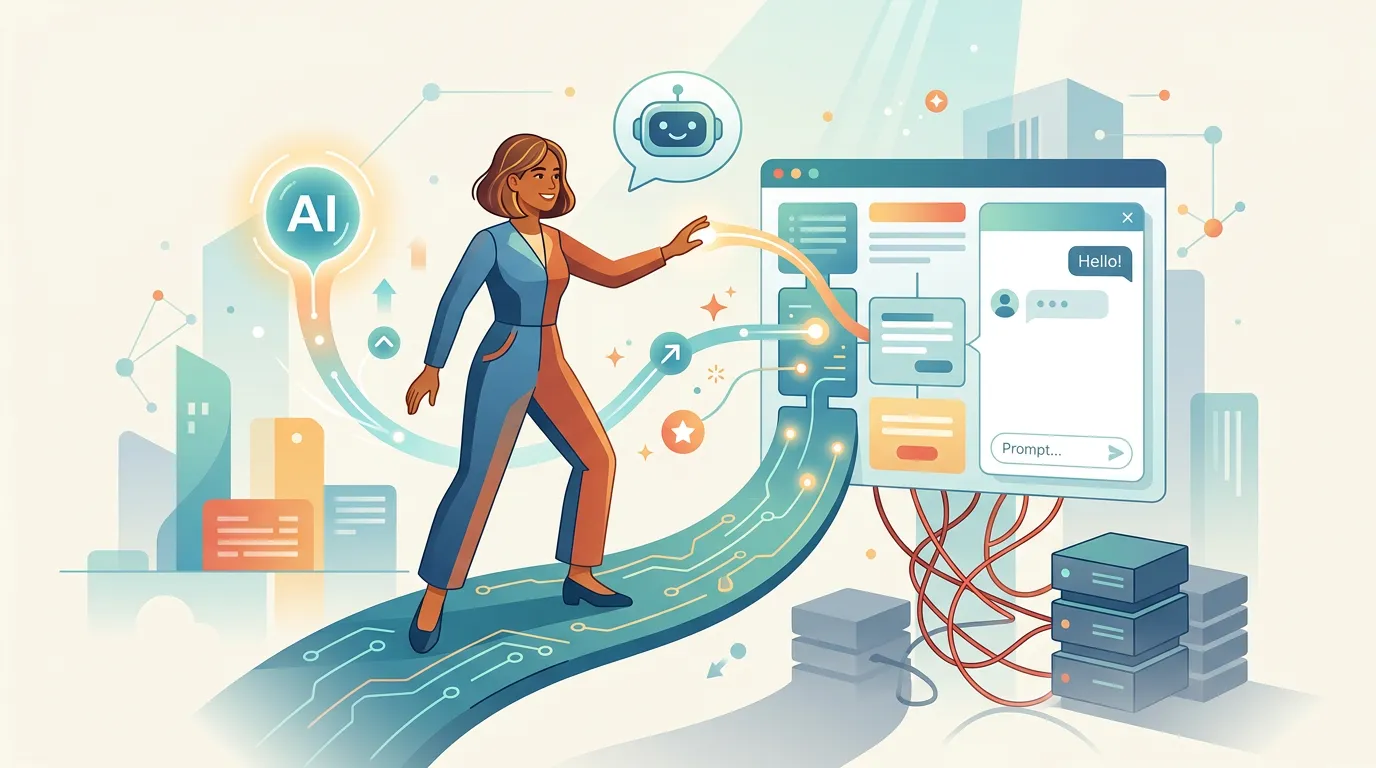
How to Add an AI Chatbot to Your Website Without API Keys
Learn how to add an AI chatbot to your website in minutes using FloopFloop's built-in AI Gateway — no API keys, no backend code, and no infrastructure to manage.
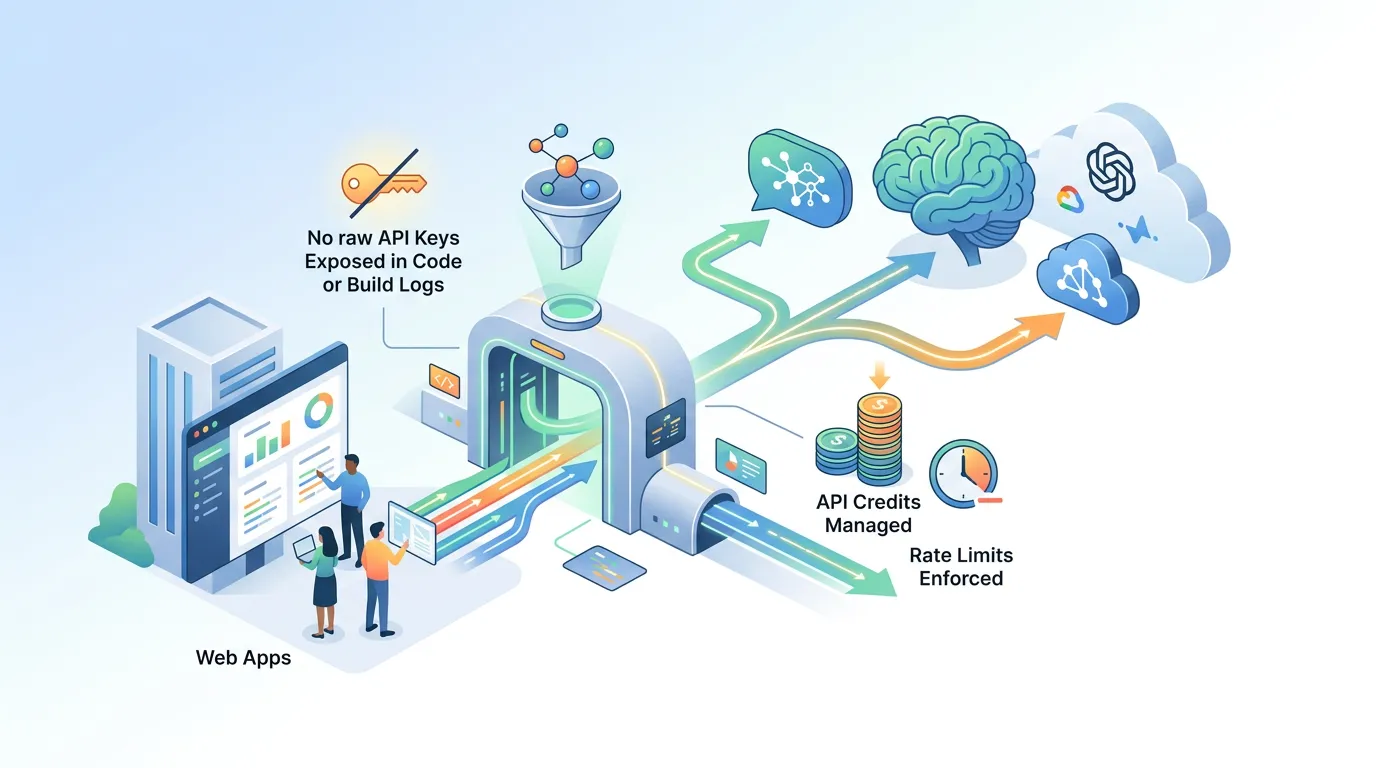
AI Gateway for Web Apps: Route LLMs, Rate Limits & Credits
Learn how an AI Gateway centralizes LLM routing, enforces rate limits, and manages API credits so your web app never exposes raw API keys in code or build logs.
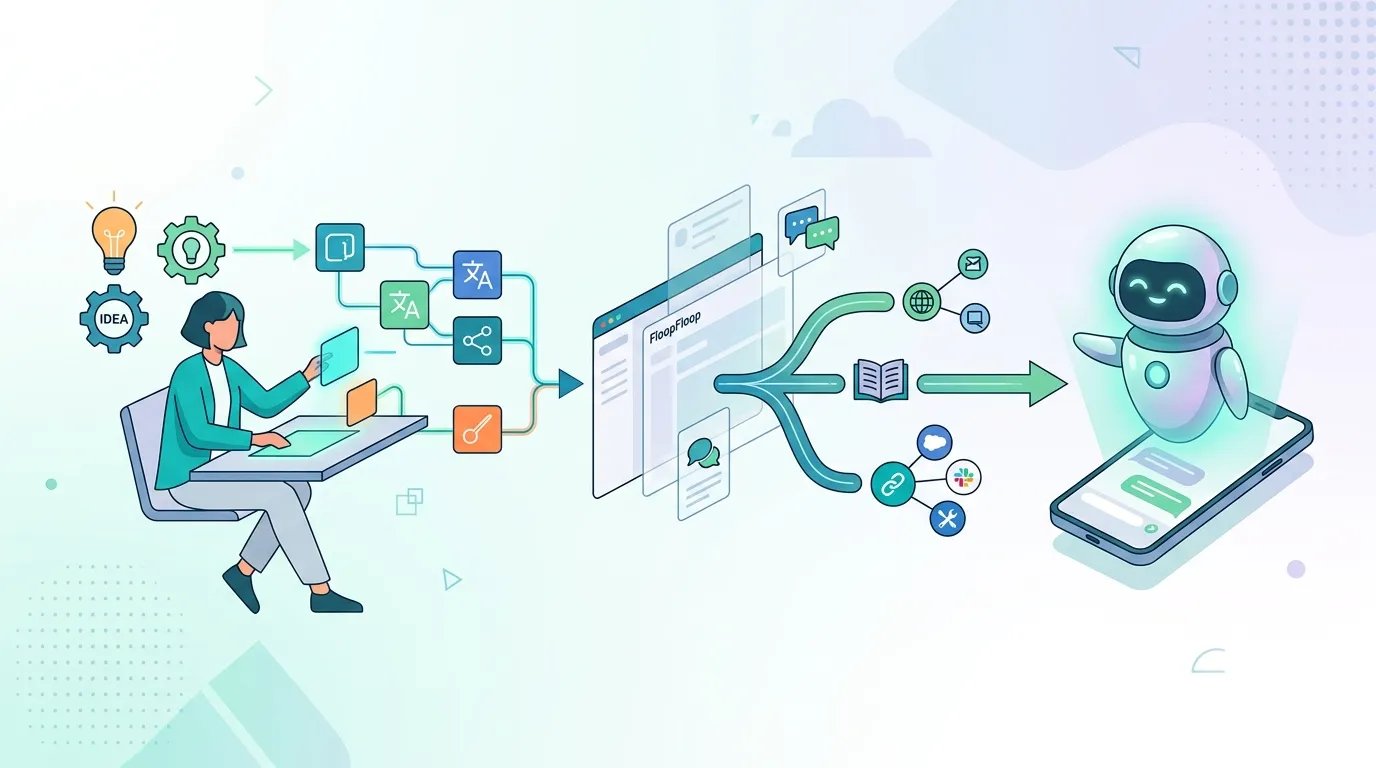
Create Custom AI Assistants with FloopFloop: Step-by-Step Guide
Learn how to build and deploy your own AI assistants in minutes using FloopFloop's AI-powered web app builder, from concept to live agent.