How to Store API Keys Securely in Any AI Web App
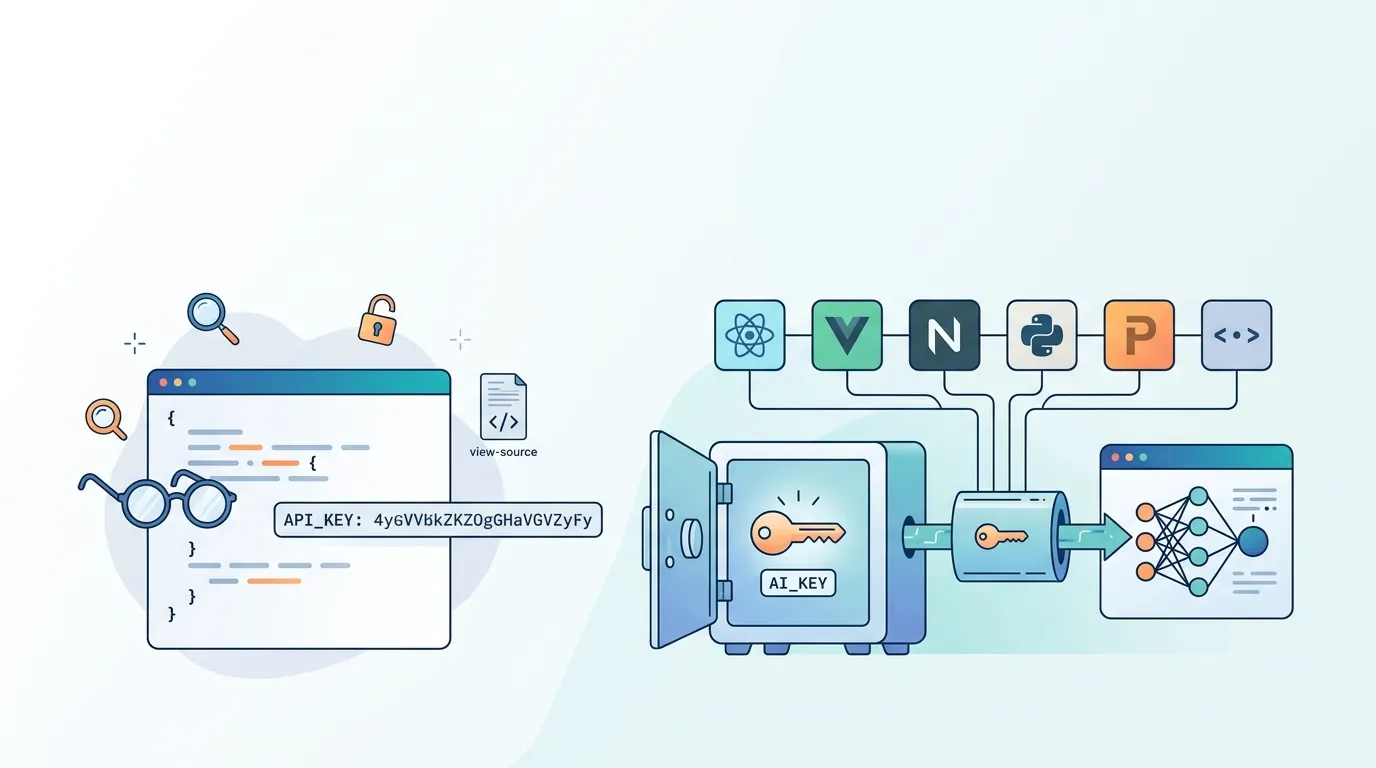
Leaking an API key is one of the fastest ways to rack up a five-figure cloud bill or hand attackers access to your users' data. It happens more often than you'd think — and almost always starts with a single line like const apiKey = "sk-live-abc123" committed to a codebase. This article explains exactly how secret exposure happens, what the correct architecture looks like, and the concrete steps you can take right now to store API keys securely in any web app.
The safest way to store API keys in a web application is to keep them exclusively on the server side — encrypted at rest in a secrets manager, injected into the runtime environment at startup, and never bundled into client-side JavaScript. Keys should never appear in source code, version-control history, build logs, or any HTTP response that reaches a browser.
What Are the Risks of Hardcoding API Keys in Source Code?
Hardcoding a key directly in your JavaScript or TypeScript file creates at least three distinct attack surfaces:
- Public repository exposure. GitHub's secret-scanning bot catches some keys, but it runs after the push. In the minutes between push and detection, automated bots scrape new commits continuously. GitGuardian reported in 2023 that more than 10 million secrets were detected in public commits — a 67 % year-over-year increase.
- Client-bundle inclusion. Even if your repo is private, a bundler like webpack or the Next.js compiler will inline any imported constant into the JavaScript it ships to the browser. Anyone can open Chrome DevTools → Sources and search for your key prefix (
sk-,SG.,pk_live_). - Build-log leakage. CI systems often print environment values during install or build steps. A misconfigured log retention policy can make those logs readable to anyone with repo access.
"It took less than 30 seconds after I pushed to GitHub for an automated bot to find my AWS key and start spinning up GPU instances. The bill hit $8,000 before I noticed." — a commonly reported pattern in developer post-mortems on Hacker News.
The conclusion is simple: a key that ever touches the client bundle or a public log is already compromised, even if you rotate it immediately.
Should API Keys Be Stored in Environment Variables?
Environment variables are the standard step up from hardcoding, but they come with an important caveat in frameworks like Next.js: only variables prefixed with NEXT_PUBLIC_ are intentionally exposed to the browser. Any variable without that prefix stays on the server — but only if you access it exclusively inside getServerSideProps, Route Handlers, API routes, or server components.
The trap many developers fall into is referencing a non-public env variable inside a component that Next.js statically renders at build time. The bundler sees the reference, resolves the value, and inlines it into the output HTML. At that point the variable name offered false security.
Build-time vs. runtime injection is the key distinction:
- Build-time — values baked into the bundle during
next build. Fast, but the secret is frozen into the artifact. - Runtime injection — values read from the server's process environment after the container starts, never touching the bundle. This is the correct model for secrets.
Runtime injection means that even if someone obtains your build artifact, the key is not in it. The secret lives only in the execution environment.
How Do You Use a Secrets Manager to Store API Keys?
A secrets manager is a dedicated service that stores credentials encrypted at rest, controls access via IAM-style policies, and delivers values to your application at runtime without exposing them in transit. AWS Secrets Manager and HashiCorp Vault are the two most common choices.
The typical flow looks like this:
- You save the secret (e.g., your Stripe secret key) to the secrets manager via its UI or CLI.
- The secret is encrypted using a KMS key that only your application's IAM role can decrypt.
- When your server starts, it calls the secrets manager API, decrypts the value, and loads it into
process.env— in memory only. - Your code reads
process.env.STRIPE_SECRET_KEYat runtime. The value was never in source code, never in a build artifact, never in a log.
This architecture means rotating a key requires only updating the value in the secrets manager; no code change, no redeploy of the bundle.
How FloopFloop's Encrypted Secrets Vault Works
FloopFloop includes a built-in secrets vault backed by AWS KMS. When you add a third-party API key — say, a Stripe secret key or a SendGrid API key — through the platform's project settings UI, FloopFloop encrypts it at rest immediately. The key is injected into your app's Lambda runtime environment at startup and is never written into generated source code, never printed in build logs, and never surfaced in CloudFront responses.
This eliminates the most common class of key-leakage mistakes entirely. You don't configure IAM roles, rotation schedules, or KMS key policies yourself — the platform handles that layer.
Adding a Third-Party API Key: Step-by-Step
- Open your project in FloopFloop and navigate to the project's settings panel.
- Find the Secrets section and click Add Secret.
- Enter the variable name (e.g.,
STRIPE_SECRET_KEY) and paste the key value. - Save. FloopFloop encrypts the value with KMS and associates it with your project.
- In your app's server-side code, reference it as
process.env.STRIPE_SECRET_KEY. It is available at runtime in Lambda functions and server components — never in client bundles. - FloopFloop's continuous deployment picks up the new secret on the next generation pass; no manual redeploy step is needed.
Your secret value is encrypted before it leaves your browser session and is never stored in plaintext anywhere in FloopFloop's infrastructure.
How Do You Prevent API Keys From Being Exposed in Client-Side Code?
For LLM calls specifically, the most robust pattern is an AI Gateway — a server-side proxy that holds the API credentials and forwards requests from your frontend. Your browser code calls /api/chat; your server calls OpenAI. The key never crosses to the client.
FloopFloop takes this further with a built-in AI Gateway. Apps generated on the platform can call supported LLMs through the gateway without the user supplying any personal OpenAI, Anthropic, or other model-provider API key at all. The platform manages model routing, rate limits, and usage credits centrally. This means the LLM integration path is zero-credential for the developer — there is simply no key to leak.
Can API Keys Be Stored Securely in a Database?
Yes, with conditions. Storing secrets in a database is valid if:
- The column is encrypted at the application layer (not just encrypted-at-rest disk encryption, which doesn't protect against SQL injection).
- Access to the decryption key is tightly controlled (ideally via a KMS-managed key, not a hardcoded key).
- The secret is fetched server-side and held in memory only for the duration of the request — never serialized into a JSON response.
A database is not suitable as the primary secret store if the same database connection string is itself stored insecurely. You end up in a circular dependency. A dedicated secrets manager (or a platform that provides one) avoids that trap.
Security Verification Checklist for Your Deployed App
After deploying, run through these checks against your live <project>.floop.tech URL (or your custom domain):
- View page source — search for your key prefixes (
sk-,pk_live_,SG.,Bearer). None should appear. - DevTools → Network tab — inspect API responses. Secret values must not appear in any JSON payload returned to the browser.
- DevTools → Sources — search all loaded JS bundles for the first 8 characters of each key.
- Build logs — confirm no
console.log, debug output, or error stack trace prints a secret value. - HTTP response headers — secrets must not appear in
Set-Cookie, custom headers, or error pages. - Rotate any key that fails a check immediately — assume it is already known to adversaries.
Wrapping Up
Storing API keys securely in a web app comes down to one rule: secrets belong on the server, encrypted at rest, injected at runtime, and never in any artifact that reaches a browser. Use environment variables correctly, prefer a KMS-backed secrets manager over .env files, and consider an AI Gateway to remove LLM credentials from your project entirely. If you're building on FloopFloop, the encrypted secrets vault and built-in AI Gateway handle both concerns automatically, so you can focus on what your app actually does.
Frequently asked questions
What is the safest way to store API keys in a web application?
The safest approach is to store API keys exclusively on the server side, encrypted at rest in a dedicated secrets manager (such as AWS Secrets Manager or a platform-managed vault), and injected into the server's runtime environment at startup. Keys must never appear in client-side JavaScript bundles, version-control history, build logs, or any HTTP response sent to a browser.
Should API keys be stored in environment variables?
Yes, but with care. In frameworks like Next.js, only server-side environment variables (those not prefixed with NEXT_PUBLIC_) stay out of the client bundle — and only if you access them exclusively in server-side code such as API routes or server components. For stronger protection, use a secrets manager that injects values at runtime rather than baking them into the build artifact.
How do you prevent API keys from being exposed in client-side code?
Never import or reference a secret key inside any component or module that runs in the browser. Route all authenticated API calls through a server-side handler or an AI Gateway that holds the credentials. The browser code calls your server; your server calls the third-party API. The key never crosses to the client.
What are the risks of hardcoding API keys in source code?
Hardcoded keys are dangerous for three reasons: they end up in version-control history (where automated bots scan public repositories within seconds of a push), they get inlined into client JavaScript bundles by bundlers, and they can appear in CI build logs. Any of these exposures should be treated as a full compromise requiring immediate key rotation.
How do you use a secrets manager to store API keys?
Save the secret to the secrets manager via its UI. The service encrypts the value using a KMS key tied to your application's access role. When your server starts, it retrieves and decrypts the value into process memory only — it never touches your source code or build output. Rotating the key requires only updating the value in the secrets manager, with no code changes needed.
Can API keys be stored securely in a database?
Yes, provided the secret is encrypted at the application layer using a KMS-managed key (not just disk-level encryption), access is restricted to server-side processes, and the decrypted value is never serialized into an API response. However, a dedicated secrets manager is generally preferable because it avoids the circular problem of needing to secure the database connection string itself.
Subscribe to the FloopFloop newsletter
New posts, product updates, and the occasional lesson — straight to your inbox.
We'll never share your email. Unsubscribe anytime.
Related articles
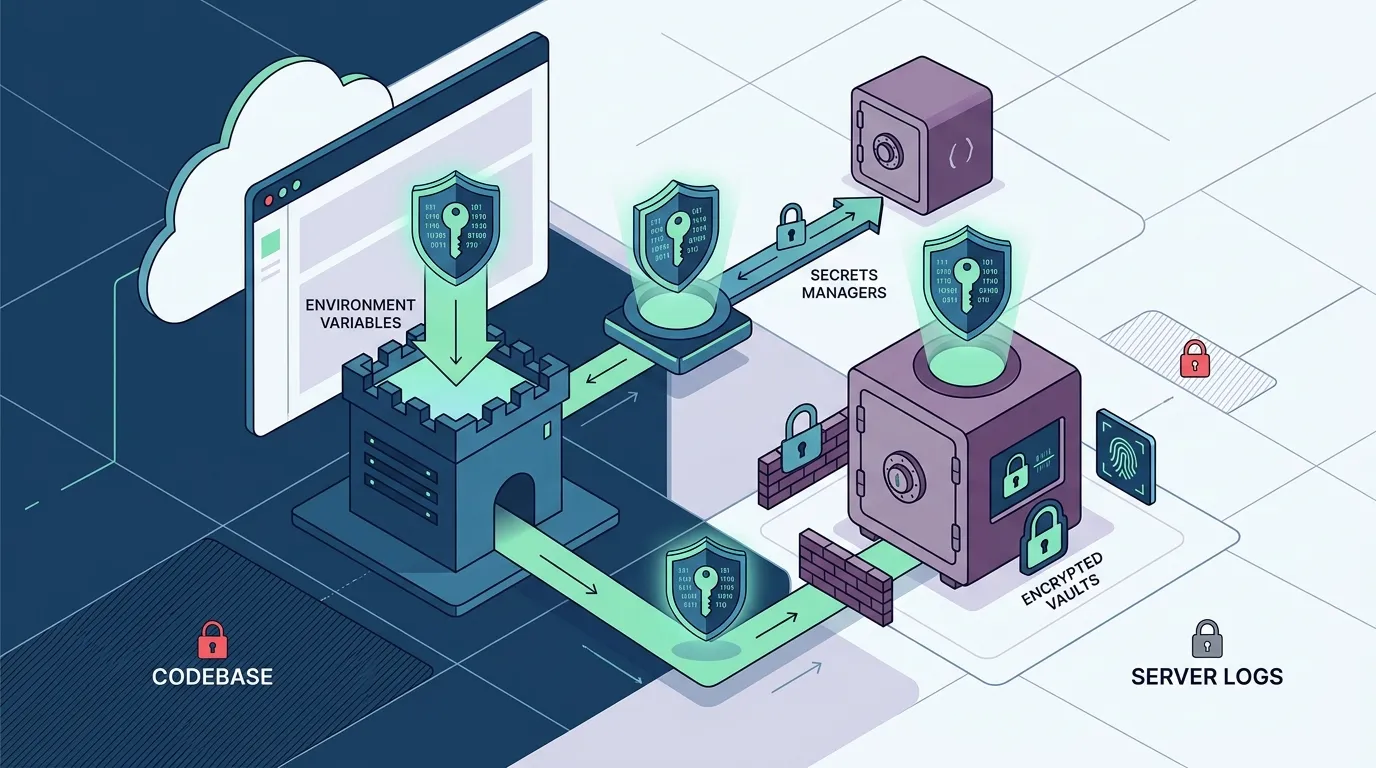
How to Store API Keys Securely in a Web App Without Leaking Them
Learn how to store API keys securely in a web app by using environment variables, secrets managers, and encrypted vaults — so your credentials never appear in code, logs, or version history.

AI Gateway for Web Apps: Route LLMs, Rate Limits & Credits
Learn how an AI Gateway centralizes LLM routing, enforces rate limits, and manages API credits so your web app never exposes raw API keys in code or build logs.

Build a Company Website in Minutes with AI-Powered Code Generation
Discover how natural language descriptions and AI code generation let you launch a professional company website without writing code—from concept to live deployment in under 15 minutes.